

Blog
What is the default PIN for HID crescendo?
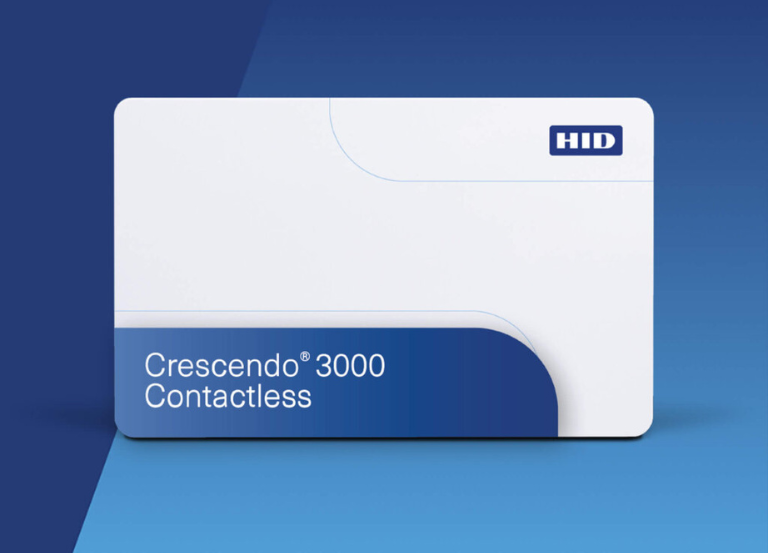
The default PIN for HID Crescendo smart cards and keys is 00000000 that is eight zeros. We can be changed immediately for security using tools like the HID Crescendo Authenticator Tool or HID Crescendo Management Tool.
Various Crescendo families (such as 2300 or 4000) may exhibit minor variations in their default lengths (eight zeros for 2300, potentially six for 4000), yet the underlying principle remains consistent: utilize the default to modify it into a robust, organization-compliant PIN.
How to Change Your Default PIN:
- Use the Official Tool: Launch the HID Crescendo Authenticator Tool or HID Crescendo Management Tool.
- Insert Device: Plug in your Crescendo Key or insert your Crescendo Smart Card into a reader.
- Select Change PIN: Choose the “Change PIN” option in the tool’s menu.
- Enter Old & New PINs: Input the default
00000000as the current PIN, then enter and confirm your new, strong PIN. - Submit: Click “Submit” to finalize the change.
Important Considerations
- Security: The default PIN is a major security risk and must be changed before use.
- PIN Policies: Your organization will likely have specific rules for PIN length (e.g., 6-8 digits) and complexity that your new PIN must meet.
-
What is the default password for HID?
Enter your User name. Enter your Password. Click Login. If this is the first time you are accessing the ActivID Management Console as the ftadmin administrator, you are prompted to change the default password (password01).
-
What is hid crescendo?
Crescendo provides organizations with seamless and secure employee authentication, ensuring that only authorized people can access sensitive information.