

Blog
How do I check my biometric?
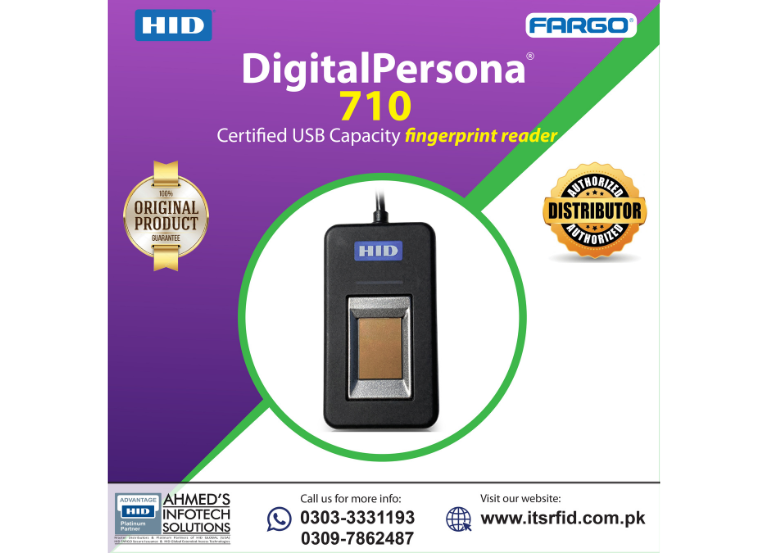
To checking your biometric verification statusfor 2026 is now primarily done through specialized digital apps or SMS services, depending on whether you are checking your ID, SIM cards, or bank account.
Here is the quickest way to check each:
Check CNIC & NADRA Biometric History
The PakID Mobile App (official NADRA app) is the most comprehensive tool for citizens.
-
Download the PakID app from the Google Play Store or Apple App Store.
-
Feature: Once you log in, you can view your Biometric Verification History. This shows every time your fingerprints were used for verification (e.g., at a bank, telecom franchise, or for vehicle transfer).
-
Verification: You can also use your phone’s camera to perform a “live” biometric verification if you are applying for a new ID or modification.
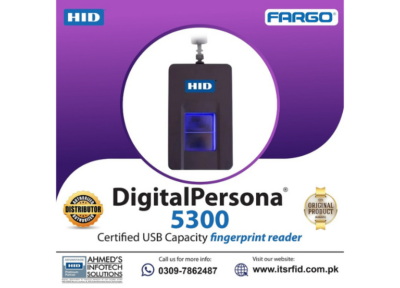
Digital-Persona-5300
2. Check SIM Card Biometric Status
If you want to see how many SIMs are biometrically verified against your CNIC:
-
SMS Method: Send your CNIC number (without dashes) to 668. You will receive a reply showing the count of SIMs active on each network (Jazz, Telenor, Zong, Ufone).
-
Web Method: Visit cnic.sims.pk and enter your CNIC to see the same information.
-
Ownership Check: If a SIM is registered but you didn’t verify it, you must visit the respective franchise with your original CNIC to block it or perform a fresh biometric scan.
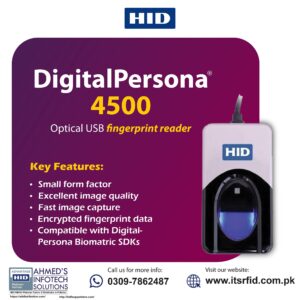
How do I check my biometric?
3. Check Bank Account Biometric Status
Banks in Pakistan now require a “Biometric Re-verification” every few years.
-
Banking Apps: Most banks (like Bank AL Habib, HBL, or Meezan) have integrated a “Biometric Verification” feature inside their mobile apps.
-
Process: The app uses your phone’s camera to scan your fingerprints. If the scan is successful and matches the NADRA record, your account status will be updated to “Verified.”
-
Physical Check: You can also visit any ATM or branch; the system will prompt you with a message if your “Biometric is Due.”