

Blog
Lumidigm Fingerprint Reader Driver
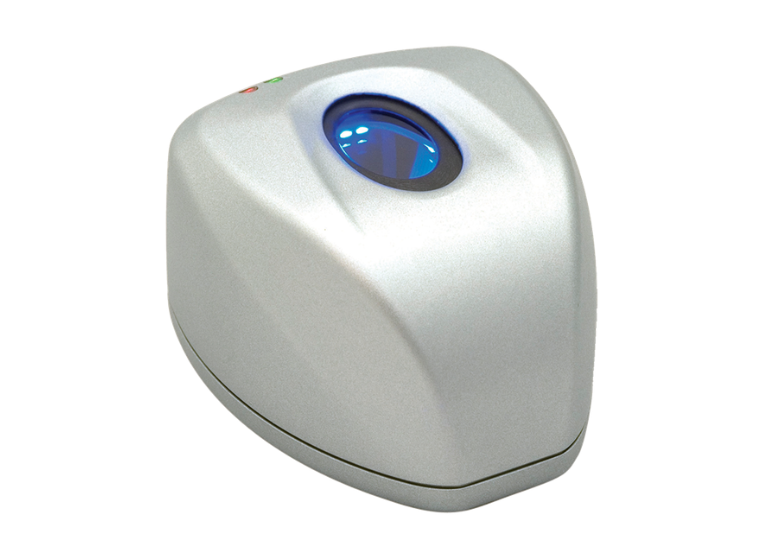
The lumidigm Fingerprint Reader Driver can be download and obtain the drivers for Lumidigm fingerprint readers directly from the HID Global Drivers & Downloads page to guarantee compatibility with V-Series and M-Series devices.
- The most recent drivers, typically designated as such, are compatible with Windows 7 through Windows 11 (64-bit) for USB desktop readers and OEM modules.
Key Driver Information:
- Supported Models: HID Lumidigm V-Series USB Desktop, V-Series OEM Modules, and M-Series USB Desktop Readers.
- Operating Systems: Windows 10/11 x64, Windows 8.1/8/7 x64.
- Installation Requirements: It is advisable to install the Microsoft Visual C++ 2005 Service Pack 1 Redistributable.
Steps to Install/Update:
- Navigate to the HID Global site.
- Select the driver version matching your OS (e.g., Windows 10 x64).
- Download and run.
- Follow the on-screen instructions to complete the installation.
- Verify the device in Device Manager within the section labeled “Biometric devices“.
For issues, ensure the USB connection is secure and that the driver is signed for your operating system.