

Blog
How to use HID U.are.U 4500 Fingerprint Reader?
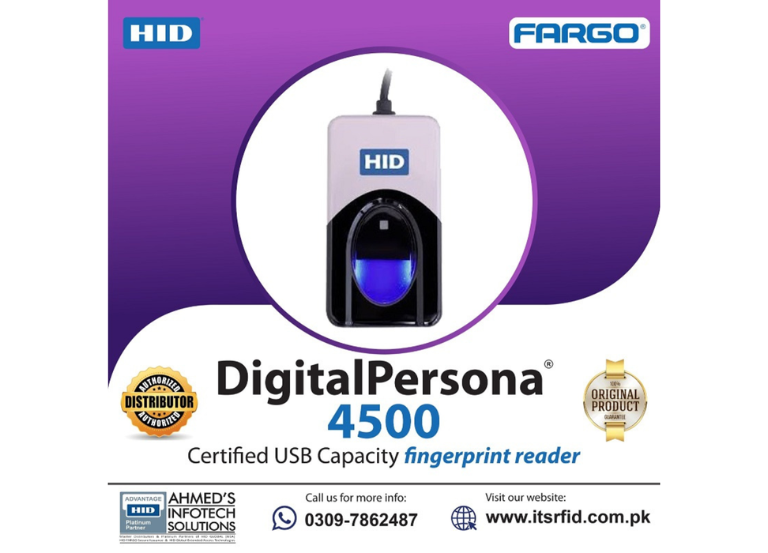
The How to use HID U.are.U 4500 fingerprint reader? is a small, USB-connected optical fingerprint scanner intended for secure and rapid authentication in communal settings, corporate environments, and point-of-sale systems.
Optical USB fingerprint reader
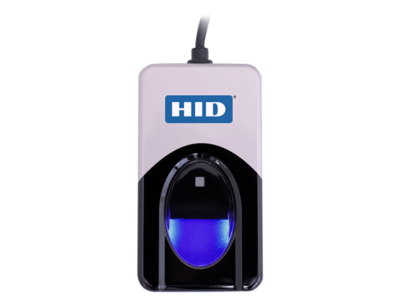
The HID DigitalPersona 4500 Fingerprint Reader is an elegant yet powerful optical fingerprint identity machine. With an executive-class look and feel, the DigitalPersona 4500 reader is perfect for power users in desktop office environments.
It boasts a robust, weighted metal housing with a gentle blue LED, providing excellent image quality (512 dpi) and exceptional reliability for dry, wet, or coarse fingerprints.
Essential Attributes & Functions:
- High Performance: Utilizes optical technology to achieve exceptional image quality, an extensive capture area, and rapid scanning.
- Durable Design: Rugged, weighted metal housing reduces accidental movement, with a special undercoating to keep it in place.
- Versatile Imaging:
-
The sensor is designed to accommodate different skin types, including dry, moist, or rough, and it employs a unique coating to accurately capture fingerprints, irrespective of the angle at which they are placed
- Security: Automatically encrypts fingerprint data before sending it to the biometric engine
- Indicator Light: Includes a soft blue glow for identification and a red “flash” to confirm successful capture
Technical Specifications:
- Resolution: 512 dpi (average)
- Scan Area: 14.6 mm x 18.1 mm
- Interface: USB 2.0 High speed
- Compatibility: Windows 11, 10, Server 2008 R2, Linux, and specialized Android support.
- Software Compatibility: Works with HID DigitalPersona Biometric SDKs.
Common Applications:
- Desktop PC security
- Point-of-Sale (POS) systems
- Hospitality and healthcare authentication
- Employee attendance tracking