

Blog
How to remove card printer error 68?
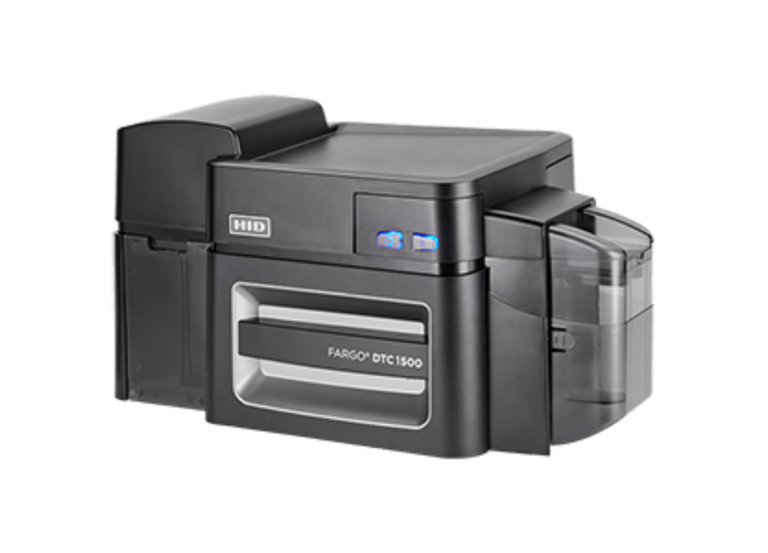
This Card printer error 68 mostly indicates a card jam or a card stuck inside the FARGO DTC1500). To remove card printer error 68, follow the following steps to fix this error
- Power off the unit
- Remove the ribbon cartridge
- Check for cards stuck in the print path or flipper module
- Clear any debris
- Ensuring the card thickness setting is correct.
Troubleshooting Steps for Error 68
- Clear the Jam: Open the printer cover and inspect the card path for jammed cards, particularly near the exit or inside the flipper module
- Remove Ribbon/Film: Remove the ribbon cartridge to get a better view of the internal mechanism
- Check Card Thickness: Verify that the card thickness setting matches the cards being used
- Clean the Printer: Run a cleaning cycle to remove any adhesive residue that may cause cards to stick, especially if the error persists
- Power Cycle: Turn the printer off and back on to reset the sensors
If the error continues, it may indicate a mechanical failure, such as a malfunction in the card lift or feed mechanism.