

Blog
How to use HID Omnikey 3021?
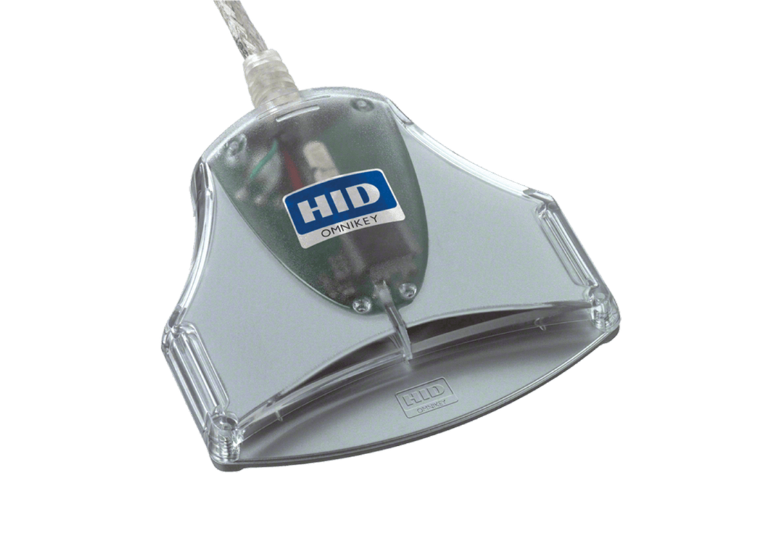
To operate the HID OMNIKEY 3021 contact smart card reader, connect the provided USB cable to an unoccupied USB port on your computing device.
Installation and Setup
-
Drivers:
The reader is compatible with USB CCID (Chip Card Interface Device) standards, which enables most contemporary operating systems, including Windows, macOS, and Linux, to automatically recognize and configure the device without requiring manual driver installation.
- Manual Drivers: In the event that your system fails to automatically identify the device, please obtain the suitable installer from the HID Global Drivers Portal.
- Middleware: The reader exclusively transmits hardware signals; consequently, you are required to install card-specific middleware or client software (including banking certificates, eID software, or PIV authentication tools) to access and engage with the information contained on your particular smart card.
Basic Operation
- Connect: Connect the USB cable to your personal computer.
- Verify: Allow the operating system to signal that the device has achieved readiness status. Device functionality may be validated through administrative utilities such as the OMNIKEY Workbench.
- Insert Card: Insert your contact-enabled smart card (including credit cards, national identification documents, or Common Access Cards) into the designated slot, ensuring the gold-plated chip is oriented upward.
Should you provide information regarding your operating system and the specific category of card you intend to utilize—whether it be a national identification card, digital signature card, or banking card—I would be able to assist you in locating the appropriate middleware or software solution.