

Blog
What is error 14 on FARGO DTC1250e?
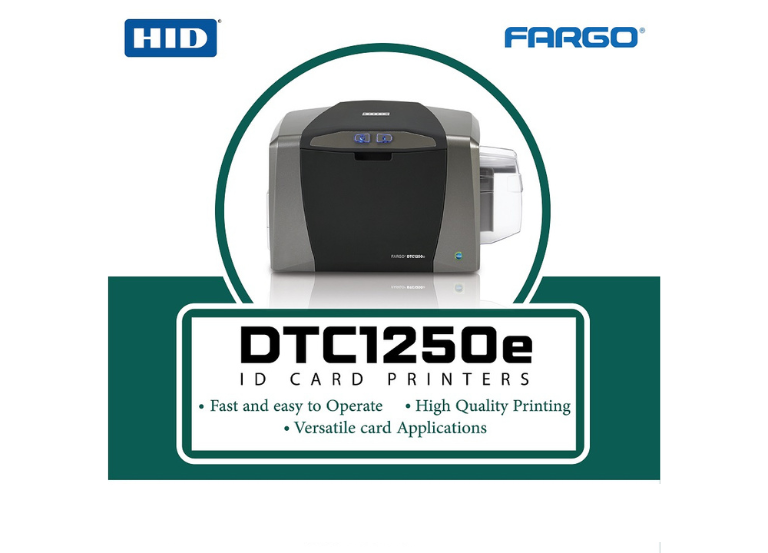
The error 14 on a FARGO DTC1250e printer indicates that a card feed error, meaning the printer is unable to properly pull a blank card from the input hopper. This error is mostly caused by cards sticking together. The hopper thickness setting being incorrect, or debris in the card path.
- Following are few steps to resolve Error 14 on a DTC1250e:
Check Card Stock:
- Ensure cards are properly loaded in the input hopper. Fan the cards to separate them and reduce static electricity that can cause them to stick together.
Adjust Thickness:
- Verify the card thickness gate is set to match the thickness of the cards you are using.
Clean the Printer:
- Run a cleaning cycle, as dust and debris can hinder card feeding. Make sure the cleaning roller is properly installed on the ribbon cartridge.
Check for Jams:
- Inspect the card path to ensure no cards or debris are stuck.
Update Firmware/Drivers:
- Ensure your printer firmware and drivers are updated to the latest versions.
If the issue persists, it may indicate a mechanical failure, such as a damaged printhead or card transport mechanism.