

Blog
What is error 14 on FARGO DTC1500?
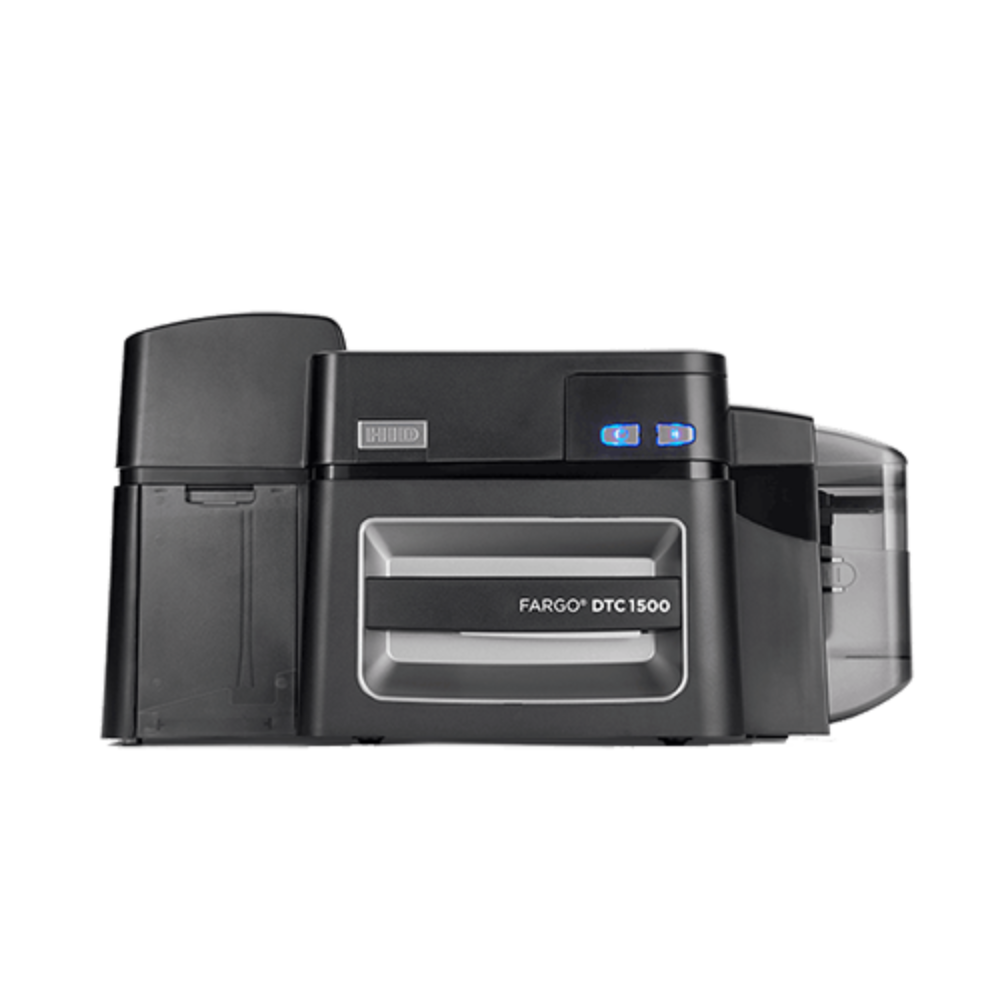
The Error 14 on a FARGO DTC1500 printer signifies that the device is unable to retrieve a card from the input hopper. This is a frequently encountered error that is often seen alongside error #81, which indicates that the printer’s rollers are unable to grasp or move the card into the printing mechanism. Common Causes and Solutions:
- Empty Input Hopper: Ensure that there are indeed cards present in the input hopper.
- Cards Stuck Together: PVC cards may occasionally experience static or become “edge welded” together. To resolve this issue, remove the cards, fan them out to separate them, and then reload.
- Incorrect Card Thickness Settings: Verify that the adjustment of the card thickness on the input hopper corresponds with the cards you are utilizing.
- Dirty Cleaning Roller: A dirty adhesive cleaning roller can cause feeding issues. Clean or replace the adhesive cleaning roller, which is attached to the ribbon cartridge.
- Obstruction: Check the card path for any debris or physical obstructions.
✅ 📞 For technical supports: +92-303-786-2488
Suggested Steps for Troubleshooting
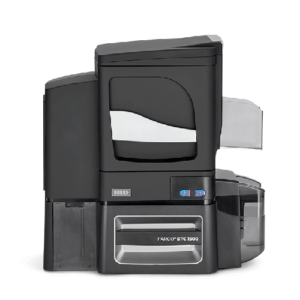
What is error 14 on FARGO DTC1500
- Reset the Printer: Power the printer off and back on to clear the error.
- Clean the Roller: Ensure the cleaning roller is not fully covered in dust or debris.
- Check Firmware/Drivers: Make certain that you have the most recent firmware and driver versions installed for the DTC1500.
If these steps do not work, it is possible the card feed roller is worn out or damaged, requiring technical service.