

Blog
What is error 68 on HDP5000?
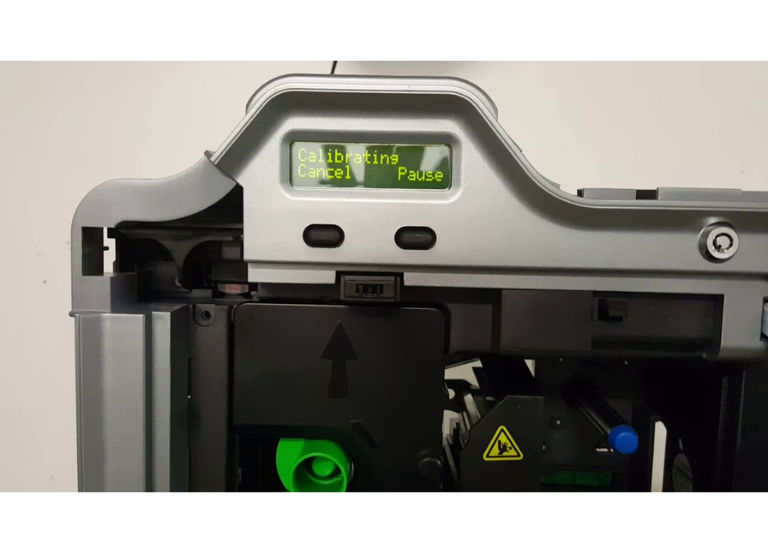
Mostly the error 68 on HDP5000 printer occurs that a card is in the printer flipper area jammed.
The problem can solve with helps of following steps:
- Clear the jam: Carefully check the card path, print station, and card flipping area for the jammed card and remove it.
- Operation: Carefully press the Pause or Resume button on the printer’s LCD display to continue the current operation or clear the error state.
- Prevent future jams:
- Verify there are cards in the input cartridge and they are not stuck together
-
- Please ensure the cards are of the correct thickness and size for the printer settings
- To remove error 68 on HDP5000, perform the printer cleaning routine and calibrate the printer’s sensors if the problem persists.
📞 For repair and technical support: +92-303-333-1193