

Blog
What is error 93 on FARGO Printer?
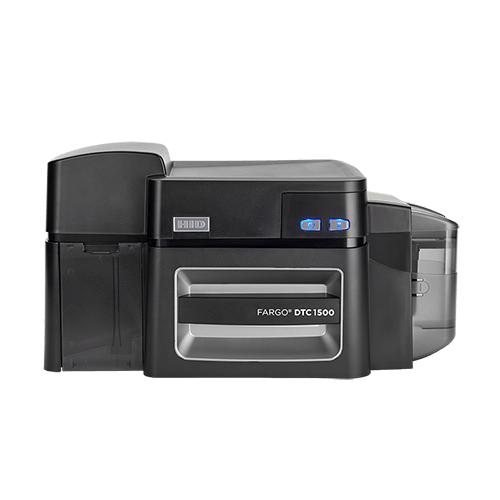
The error 93 on FARGO printer (such as the FARGO HDP5000e, DTC4250e, or DTC1500), Error 93 is a “Wrong Ribbon” error. This means there is a mismatch between the physical ribbon installed in the machine and the ribbon type selected in your computer’s printer driver.
To Fix Error 93 follow these steps:
Key Solutions for Error 93 on FARGO printer?
- Update Firmware/Drivers: Ensure your printer has the latest drivers and firmware installed.
- Verify Ribbon Selection: Open “Devices and Printers,” right-click the FARGO printer, select “Printing Preferences,” and ensure the correct ribbon type is selected.
- Auto-Detect Ribbon: In the driver settings, enable the “Automatically Detect the Ribbon” option.
- Check Ribbon Sensor: If the issue persists, the ribbon sensor may need to be cleaned or recalibrated.
If the error persists, check if the ribbon is properly installed or if it is a damaged/unrecognized ribbon.