

Blog
What is HDP5000e Printer Error 244
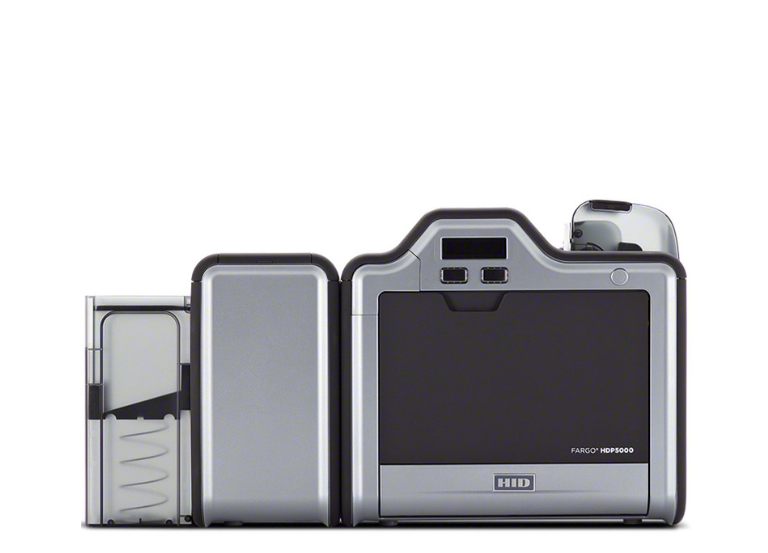
On having issues with your film and getting Film Error 244 when you try to print with your FARGO HDP5000e printer, there are several steps to resolve the issue
- Firat of all update printer’s drivers and firmware to the newest versions
- Clean your printer. Regularly cleaning the printer will keep out dust and debris, which can damage the print head.
- Use a different roll of film
- Also sure film and ribbon cartridges are installed correctly
- Ensure that the film spins freely in the ribbon cartridge – if it sticks or cannot spin freely, there may be a problem with the film.
- Calibrate the film sensor
- For HDP5000e printer error 244, ensure that you are using the correct power supply (each printer comes with a power supply). Also make sure that the printer is not plugged into a surge protector