

Blog
How to add iDPRT thermal printer?
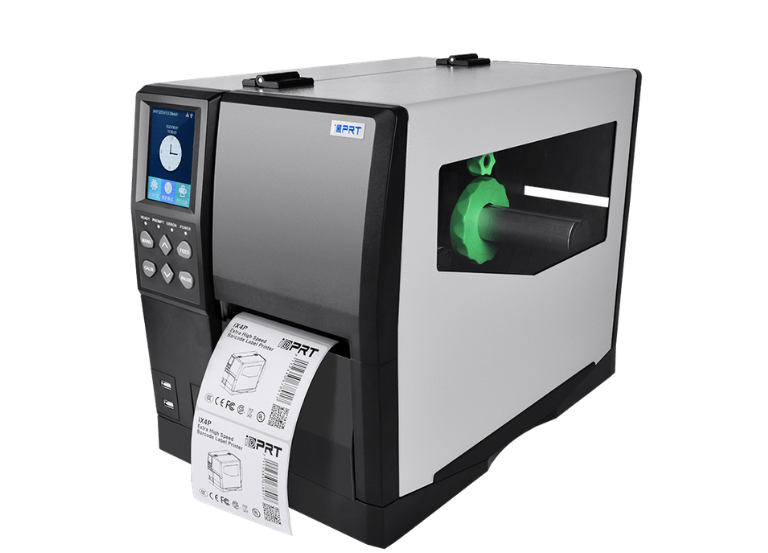
To install an iDPRT thermal printer, first connect the printer using a USB cable, then download the relevant driver from the iDPRT Support & Download website, and execute the installer.
For both Windows and Mac systems, adhere to the on-screen instructions to set up the port and finalize the installation, making sure to choose the appropriate model, like the IX4P Industrial Label Printer(203dpi).
Download
Steps to Add iDPRT Printer:
- Physical Setup: Power on the printer and connect it to your computer using the USB cable.
- Install Drivers: Visit the iDPRT Support page, select your model, and download the driver for your operating system (Windows/Mac/Linux).
- Driver Configuration: Run the downloaded file and follow the installation wizard.
- Test Print: Open a document, select the iDPRT printer from the print menu, and test functionality.
For Wi-Fi models, use the configuration utility provided by iDPRT to connect the printer to your network.